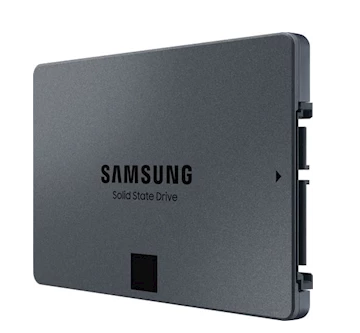
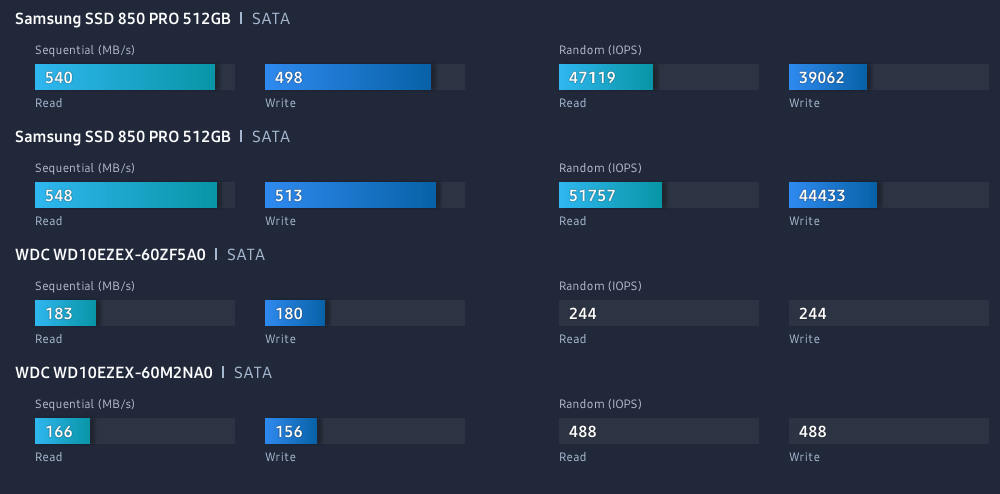
Ett lite äldre system med 2 SSD samt 2 SATA diskar.
Visar klart och tydligt hur snabba SSD är.

Tro inte på allt du tror!
Ett lite äldre system med 2 SSD samt 2 SATA diskar.
Visar klart och tydligt hur snabba SSD är.
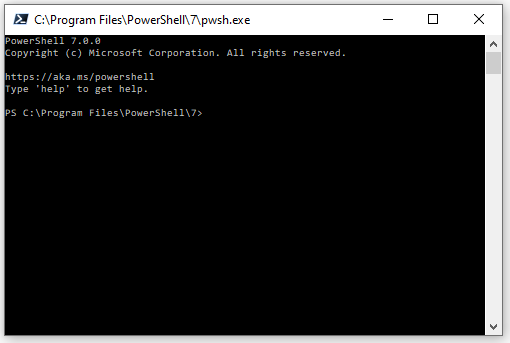
Länk till alla varianter och releases på GitHub
Windows terminal kan också vara bra att nyttja 🙂 MsStore
URL: 7.1.0
https://github.com/PowerShell/PowerShell/releases/tag/v7.1.0
Msi x64 direkt länk:
https://github.com/PowerShell/PowerShell/releases/download/v7.1.0/PowerShell-7.1.0-win-x64.msi
URL: 7.03 Release
https://github.com/PowerShell/PowerShell/releases/tag/v7.0.3
https://github.com/PowerShell/PowerShell/releases/download/v7.0.3/PowerShell-7.0.3-win-x64.zip
URL: 7.02 Release
https://github.com/PowerShell/PowerShell/releases/tag/v7.0.2
Snabb MSI installation singel line
iex "& { $(irm https://aka.ms/install-powershell.ps1) } -UseMSI"Linux singel line:
wget https://aka.ms/install-powershell.sh; sudo bash install-powershell.sh; rm install-powershell.sh
PowerShell 7-modulens kompatibilitet
Beskriver Windows modulers kompatibilitet med PS7.
Remoting Cross plattform SSH etc
https://www.thomasmaurer.ch/2019/04/setup-powershell-ssh-remoting-in-powershell-6/
Ja för att ändra vhd eller vhdx filer krävs denna , den drar in powershell pluginen..
Add-WindowsFeature –name RSAT-Hyper-V-Tools
Att ändra en disk (som inte är mountad) kör följande…
Resize-VHD –Path c:path-to-vhd-fileyour-VHD-file.vhd –SizeBytes 10GB
PÅ en maskin (tpy 202r2 eller likannde finns inte möjligheten.
Där får man nyttja diskpart.
diskpart
select vdisk file="C:\UPDs\UVHD-<SID>.vhdx"
expand vdisk maximum=20480
attach vdisk
list volume
select volume=<number of UPD volume from previous command>
extend
detach vdisk
exit